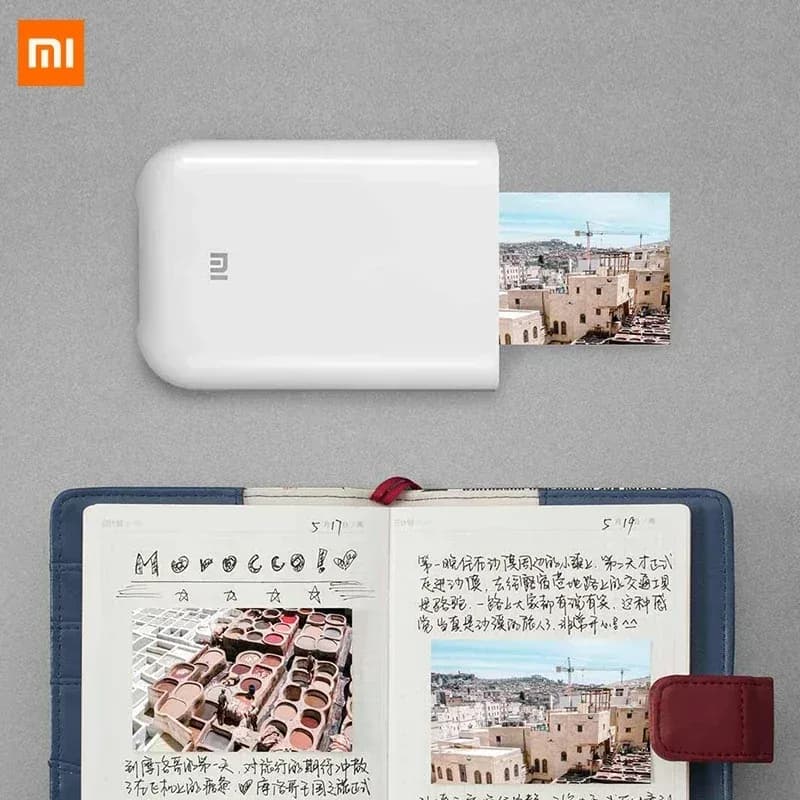
Xiaomi mijia AR Printer 300dpi Portable Photo Mini Pocket With DIY Share 500mAh picture printer pocket printer work with mijia
Vendu par Zamala.fr133.48 €
Color : vert clair
2 en stock
Note: This link include Xiaomi printer and print paper, please pay attention before purchase , we don't accept dispute of buying print paper but expect to get xiaomi printer. thanks very much! Main Features: ● Scan AR photos Simply shoot or upload any video while printing photos, and you can experience the real and dynamic AR photos at any time by scanning photos. ● Scanning photos Record or upload any audio while printing photos, open the Mijia APP scan photos, you can hear the voice behind the photos anytime, anywhere. ● Pine shows photo creativity More photo sticker templates: provide creative print space ● Multi-person sharing with one printer Bluetooth printing, no need for Wi-Fi, support multiple people at the same time Bluetooth connection, print in sequence. ● Bluetooth printing, no need for Wi-Fi, support multiple people at the same time Bluetooth connection, print in sequence. Slide cover paper design, two-phase filling of photographic paper, smooth sliding without effort, the outer shell and the body do not need to be separated, a better paper loading experience. Product Specifications: Print performance Printing Technology: Thermal (ZINK) Print resolution: 313 x 400dpi Print photo paper size: 2x3 inches (50mm x 76mm) Printing speed: about 45 seconds / page Carton capacity: up to 10 sheets Support file format: JPEG, PNG AR Photo: Support Bluetooth multiplayer connection: up to 3 people Usage(3 steps to assemble, easy to get started): Step 1: Open the printer tray cover Step 2: Put the photo paper into the printer and make the orange calibration card barcode face down (recommended - put a whole package, the orange calibration card must be placed at the bottom) Step 3: Close the printer tray cover Package Contents: 1 x Printer 1 x USB Cable 1 x Instruction manual Here is instrution of how to connect the printer with Mi home App 1:Please download Newest version Mi home App 2: Go to setting to change the language that you want and choose the region of "Chinese mainland" 3: back to home page on Mi home App , click the "+" on the right top, to search "Mi pocket Photo Printer" 4: bluetooth connect Caractéristiques : • Brand Name : XIAOMI • Origin : Mainland China • Voltage : Other • High-concerned chemical : None • Certification : NONE • Model Number : Xiaomi mijia AR Printer
Vous aimerez aussi
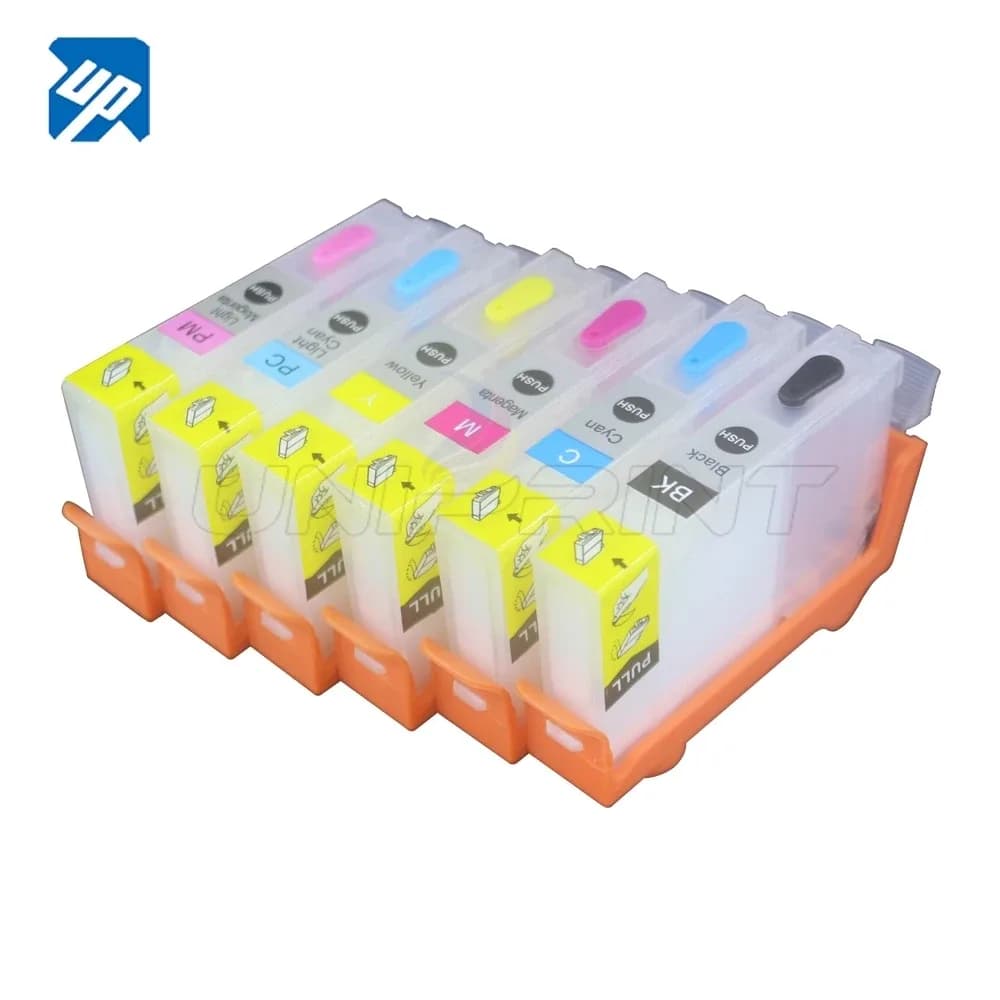
Cartouche d'encre rechargeable vide avec puce, 6 couleurs, pour imprimante CANON Pixma iP6600D iP6700D CLI-8
Zamala.fr
25.34 €
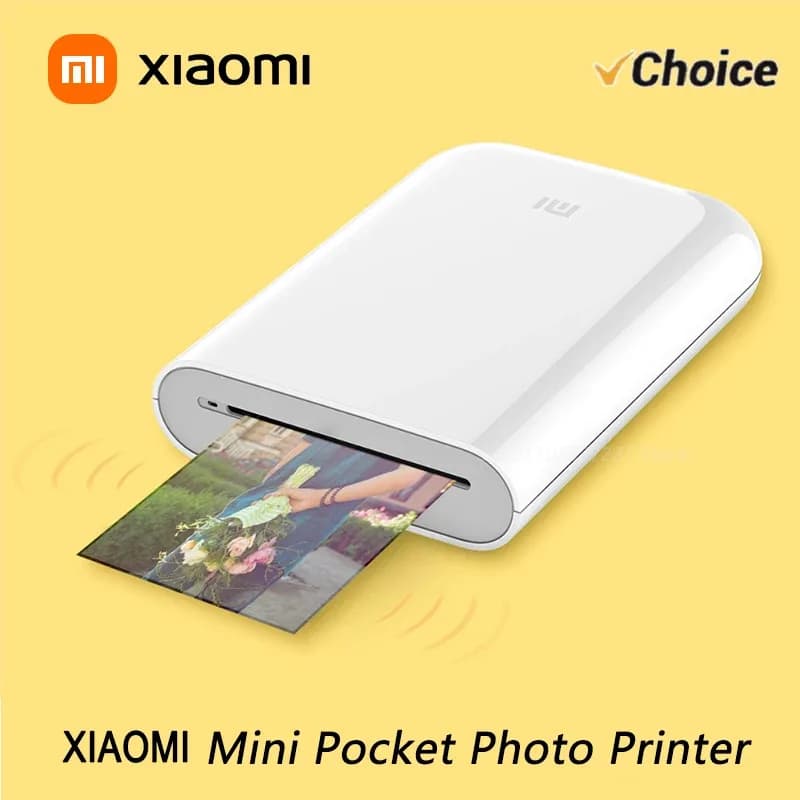
Imprimante photo portable XIAOMI AR 300 dpi, mini imprimante de poche avec fonction de partage d'images DIY, étui ou papier photo inclus, compatible avec l'application Mihome CN
Zamala.fr
145.48 €
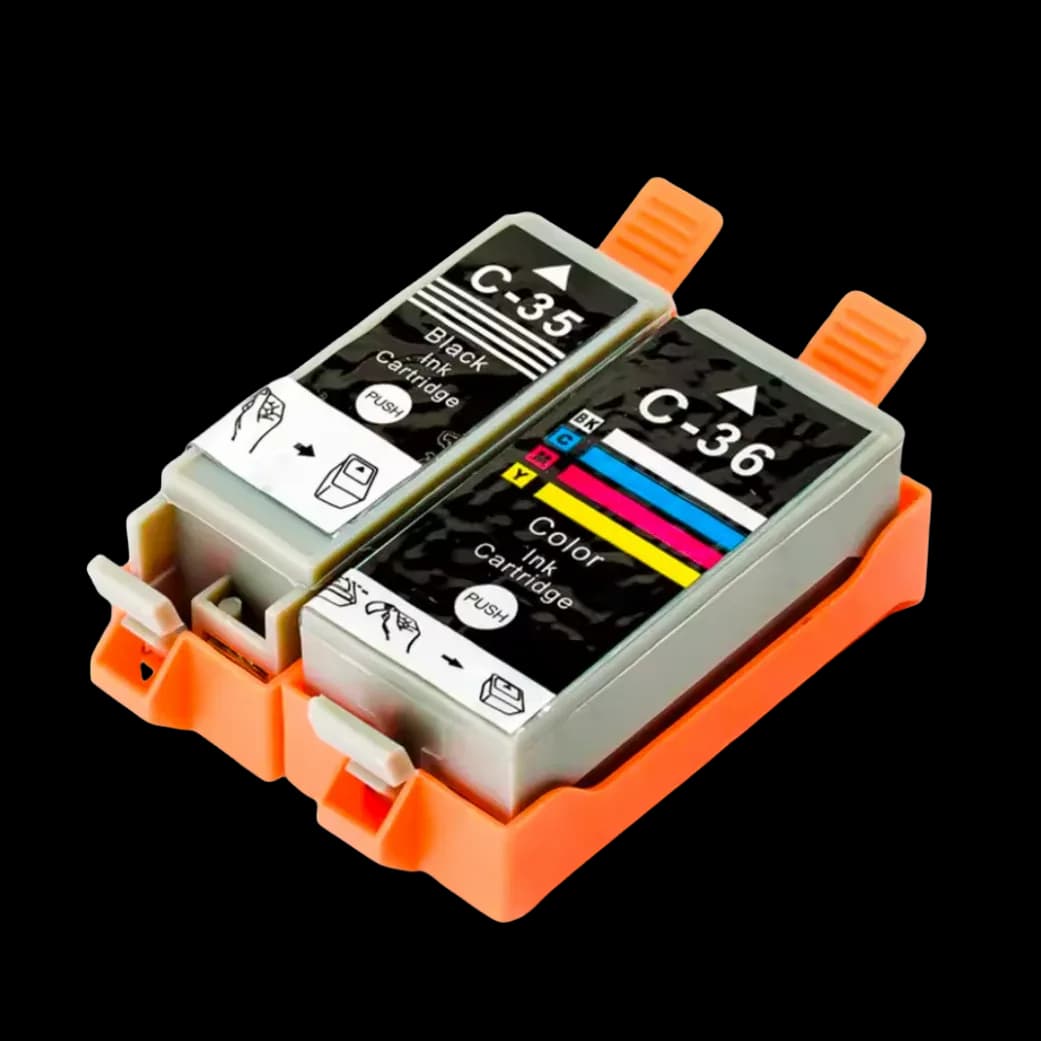
Cartouche d'encre Compatible PGI-35 PGI35 CLI-36 CLI36 pour imprimante Canon PIXMA IP100 iP110 IP100B TR150
Zamala.fr
9.29 €
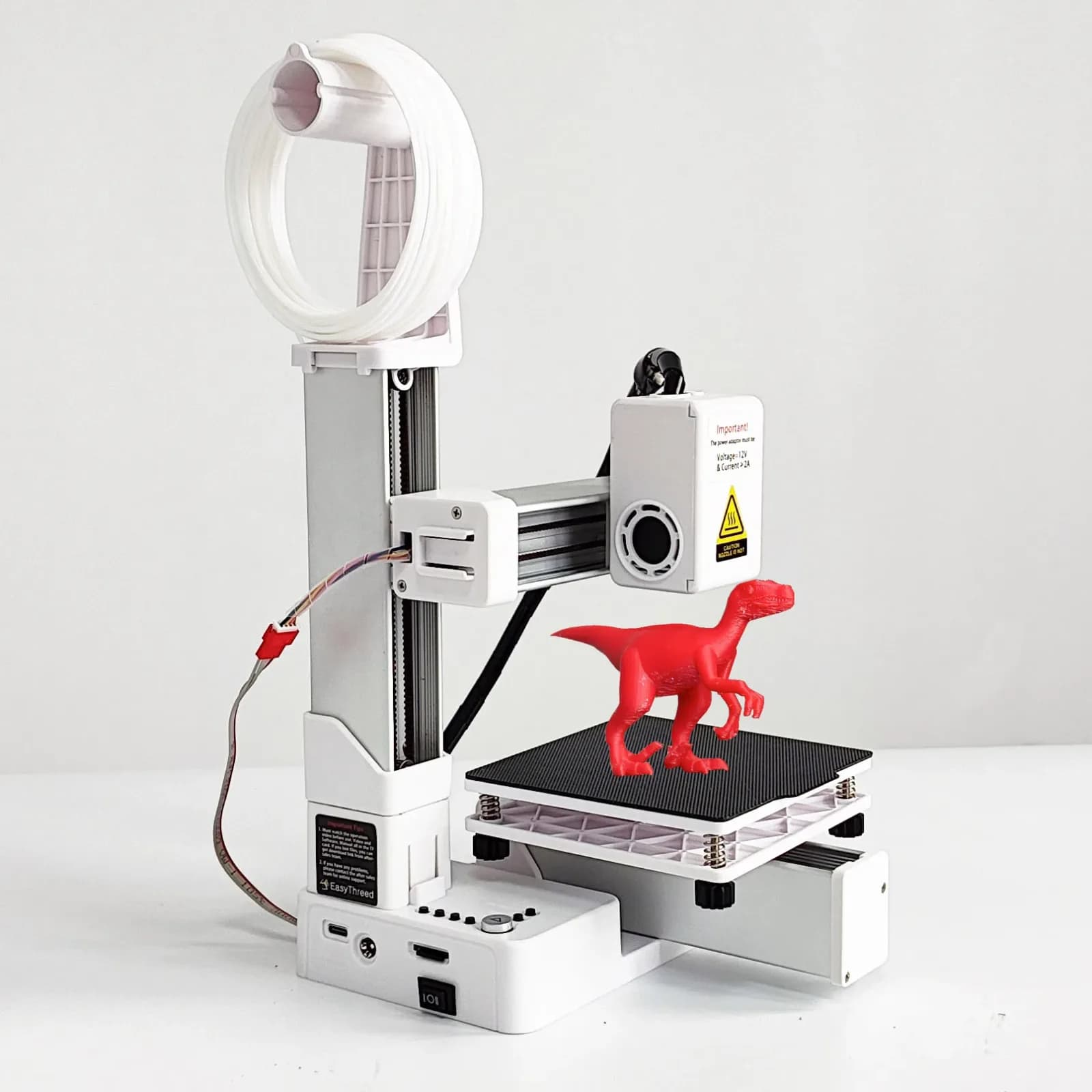
Imprimante 3D EasyThreed d'entrée de gamme, PLA, TPU, 1,75 mm
Zamala.fr
119.09 €
Avis clients
Connectez-vous pour laisser un avis.